 Luma
Luma Luma in five minutes
Getting started, updated
Luma plays your own music, right on your iPhone or iPad. No account, no subscription, no internet connection. This guide takes you from download to your first song in five minutes.
1. Install Luma
Download Luma for free from the App Store. On first launch Luma asks for nothing: no login, no email, no permissions. The library starts out empty, because Luma doesn't come with music. It plays yours.
2. Import your first music
- Open the importTap + in the empty library, or go to Settings › Import Music.
- Choose files or foldersThe Files app opens. Pick individual songs or a whole folder, for example from iCloud Drive, “On My iPhone”, Dropbox or a USB stick.
- Wait for the import to finishLuma copies the files, reads title, artist, album and artwork, and sorts everything automatically. For large collections you'll see the progress.
All the details, including duplicates and unsupported files, are in Import music. Your music is still on your computer? See Music from a Mac or PC to your iPhone.
3. Play
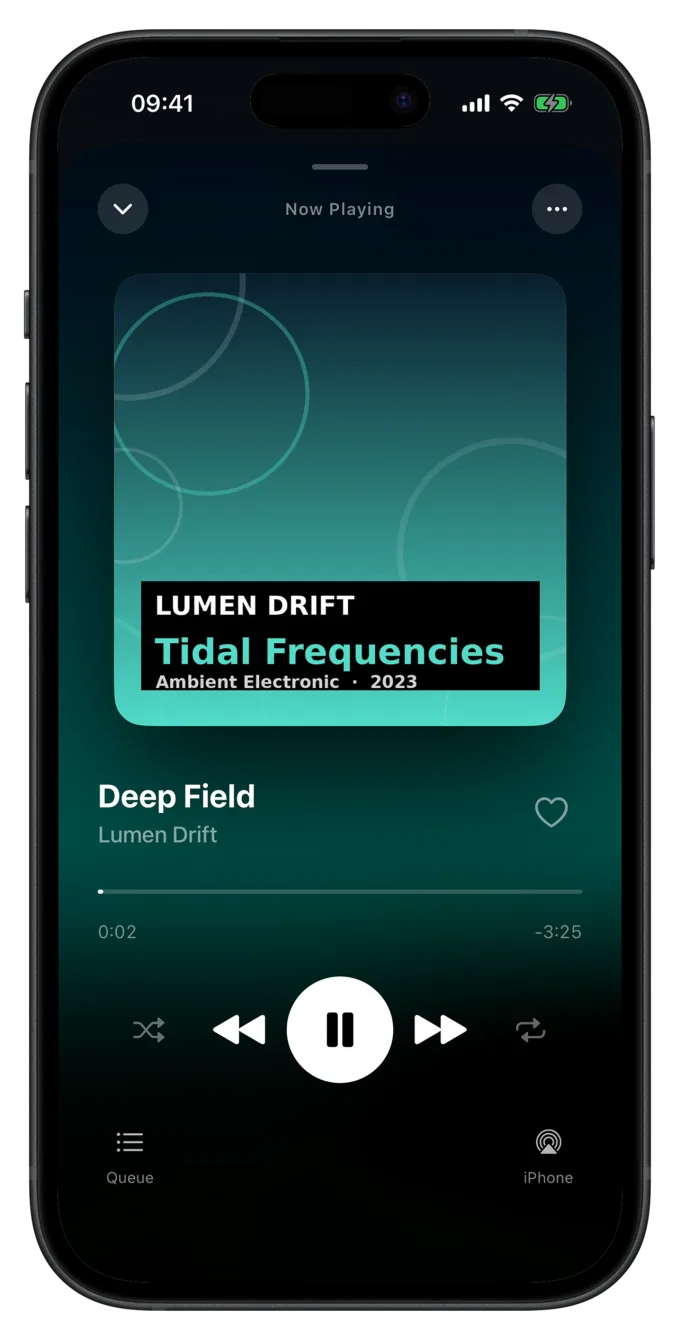
Tap an album and then Play or Shuffle, or tap a single song. The mini player appears at the bottom. Tap it to open the full player with artwork, timeline, queue, lyrics and the output picker.
4. The four tabs
| Tab | What it's for |
|---|---|
| Library | Your home screen: albums, artists, songs and Liked, plus “Recently Added” and pinned playlists. More in Library. |
| Search | Finds songs, artists, albums and playlists at once. |
| Playlists | Your own playlists, collections of whole albums and dynamic playlists that fill themselves by your rules. |
| Settings | Import, playback, appearance, storage and statistics. See All settings. |
Which tab appears when you open the app is set in Settings › General › Start Screen.
5. Gestures worth knowing
- Touch and hold a song, album or playlist to open its menu: Play Next, Play Last, Add to Playlist, Like, Edit Info and more.
- Swipe left on a song to queue it. A full swipe runs the action right away, see Swipe gesture.
- Select in an album's or playlist's menu lets you pick several songs at once, to like them or add them to a playlist.
- Tap the tab again: if you tap Library or Playlists while you're already there, the page scrolls back to the top. On a page further in, the first tap takes you back to the overview.
What Luma doesn't do
Luma collects no data, has no analytics, no ads and talks to no server. Your music and everything you set in the app stays on your device. Since Luma needs no internet, the app works fully in airplane mode too. Details are in the app's privacy policy.
Still have a question or found a mistake? Email hello@suenavus.com.